
SpinShark login and registration
Opening an account takes a few minutes and a confirmation e-mail. Here is what we ask for, how to log back in and what to prepare for your first withdrawal.

Registration
- Tap Log In, then Sign Up
- Fill in your e-mail, password, date of birth, phone number and country
- Confirm the e-mail we send you
- Deposit from twenty pounds to claim the welcome offer
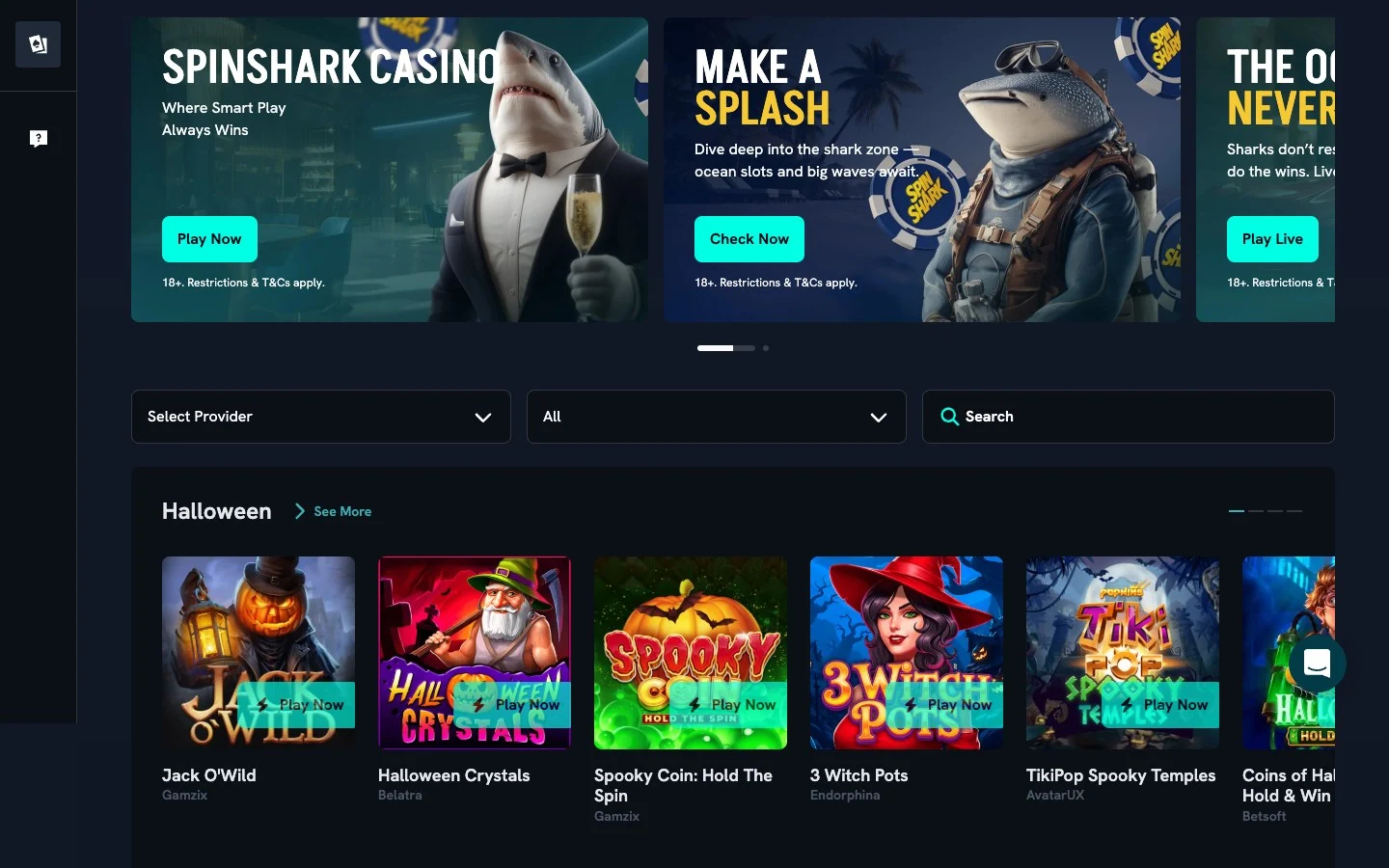
Logging in
Use your e-mail and password on any device. A forgotten password is reset through the link under the form, and our live chat helps if the reset e-mail does not arrive.
Verification and limits
Before your first payout we verify your identity. You can also set daily, weekly or monthly deposit limits from your account, and they apply immediately.
Frequently asked questions
Can I have more than one account?
No, one account per person.
What do I need to register?
An e-mail, a password, your date of birth, phone number and country.
How do I reset my password?
Through the link under the login form.
Is there an app?
The site runs in any mobile browser; no download is needed.